A battery monitor for your MacBook.
See your charge, battery health and cycle count in one app. The everyday readings are free.
Apple silicon MacBooks · macOS 13 or laterFree download. No account needed.
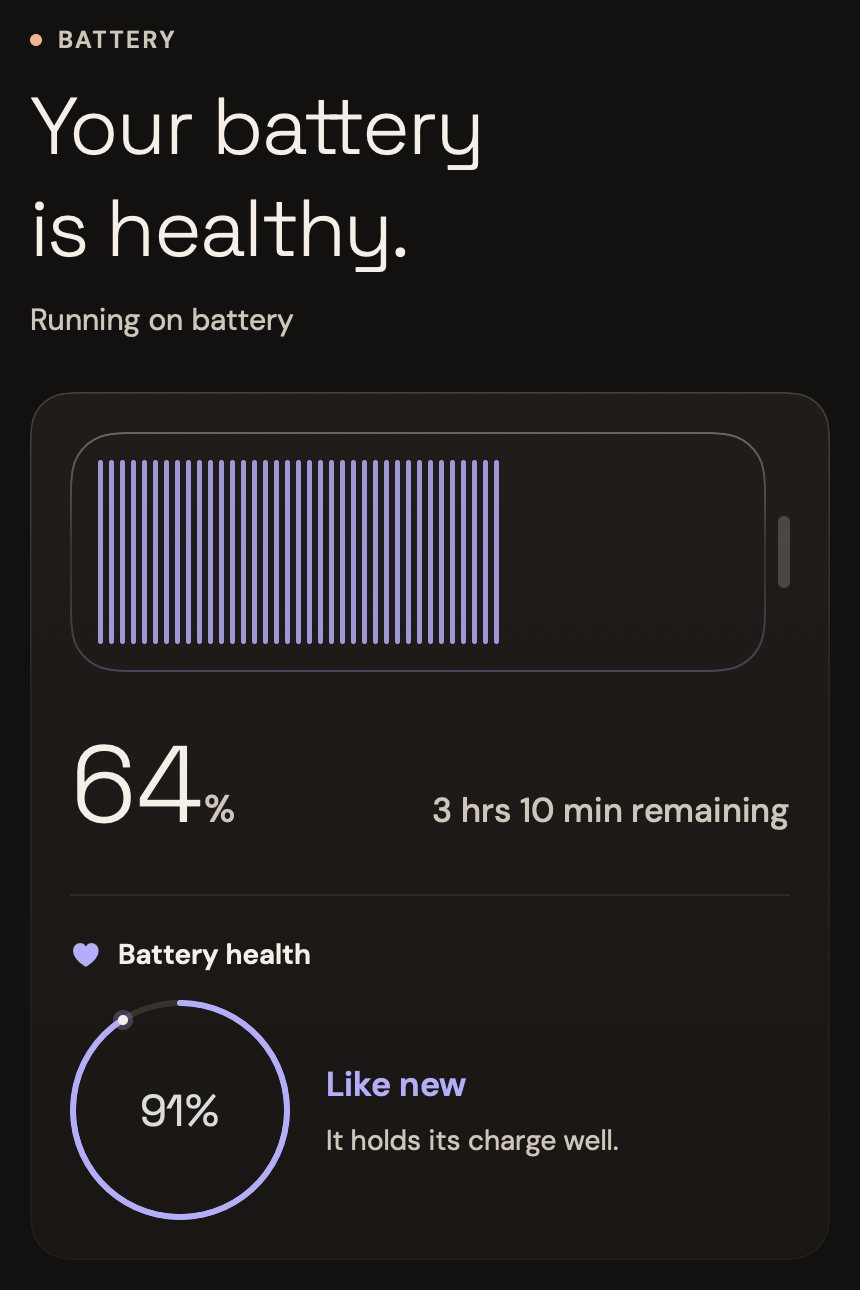
Battery health, capacity and cycles
- Charge and health
- Charge tells you how full the battery is right now. Health tells you how much it can hold compared with when it was new.
- Cycle count and capacity
- Open Battery and switch to Advanced to see the current cycle count alongside the rated count, plus current full-charge capacity and original design capacity in mAh.
Live battery readings are free.
Free
- Charge, estimated time remaining when available, and battery health
- Cycle count and capacity in Advanced view
- Charging guidance from Battery Coach
Pro
- Daily battery health record so you can see changes over time
- Unplug reminders and battery heat warnings
- Additional battery readings where your Mac reports them
Before you download.
Can I check my MacBook’s cycle count without an app?
Yes. Hold Option, open the Apple menu, choose System Information, then select Power and look for Cycle Count. Tend brings that reading together with charge and battery health. See Apple’s instructions and model limits.
Does Tend set a charging limit?
Tend monitors charging and can remind you to unplug with Pro. It doesn’t set a charge limit or stop charging.
Does battery health history include earlier readings?
The record builds from readings Tend collects after you start using it.
See how your battery is doing.
Download Tend, open Battery and start with the free readings.